
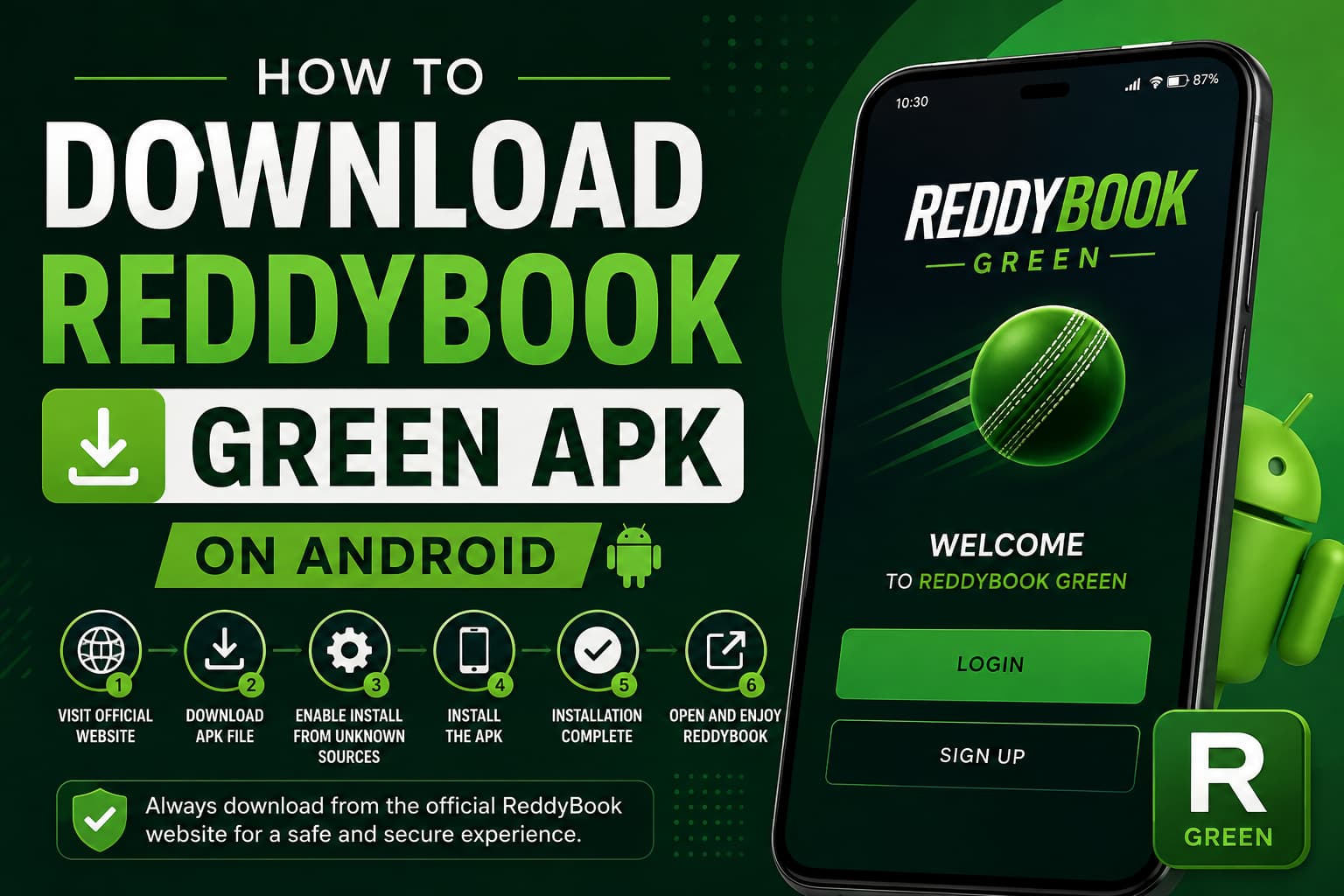
For Android users who prefer quick mobile access, the ReddyBook Green APK provides a convenient way to access ReddyBook from a compatible smartphone or tablet. Once installed, users can open the platform directly from their device instead of navigating to the website through a mobile browser each time.
If you’re looking for information about the ReddyBook Green APK download, this guide explains what the APK is, how to download and install it on Android, and what you should check before installing an APK file.
Important: Always obtain the ReddyBook Green APK from the official ReddyBook website or another source specifically authorized by ReddyBook. Avoid modified, unofficial, or unknown APK files.
What Is the ReddyBook Green APK?
An APK (Android Package Kit) is the file format Android uses to distribute and install applications. The ReddyBook Green APK is designed to provide Android users with mobile access to the ReddyBook platform through an installed application.
Instead of opening a browser whenever you want to access the platform, you can launch the ReddyBook Android app directly from your home screen after installation.
The availability of the APK, supported Android versions, features, and installation requirements may change over time. For that reason, users should always check the current information displayed on the official ReddyBook website before downloading.
Read More<<<ReddyBook APK Download: Complete Android Installation Guide
How to Download ReddyBook Green APK on Android
Downloading an APK is slightly different from installing an application through Google Play. Android may also display additional security prompts because the installation file comes from outside the Play Store.
Here is the general process.
Step 1: Visit the Official ReddyBook Website
Open Chrome or another trusted browser on your Android device and navigate directly to the official ReddyBook website.
Using the official website is important. Searching for phrases such as “ReddyBook Green APK latest version” can lead to third-party download pages that may distribute outdated or modified files.
Step 2: Find the Android APK Download Option
Look for the mobile app, Android app, or ReddyBook Green APK download section on the website.
Before proceeding, make sure the download button belongs to ReddyBook and that you have not been redirected to an unfamiliar third-party domain.
Step 3: Download the ReddyBook APK File
Tap the relevant Android download button. Your browser may warn you that APK files can potentially be harmful.
This is a standard Android/browser precaution for files downloaded outside an app store. However, the warning should not simply be ignored: confirm that you are downloading the file from the expected official source before continuing.
Wait for the ReddyBook APK file to finish downloading.
Step 4: Allow Installation From the Relevant Source
Depending on your Android version and current settings, your phone may prevent your browser or file manager from installing unknown applications.
If Android requests permission, open the relevant settings screen and allow your browser or file manager to install the APK. The wording and location of this option can vary between Android versions and manufacturers.
Only grant this permission to an application you trust, and consider disabling it again after the installation is complete.
Step 5: Install the ReddyBook Green APK
Open your Downloads folder or tap the completed download notification.
Select the APK file and tap Install when Android displays the installation screen. Wait until the process has finished before closing the window.
Step 6: Open the ReddyBook Android App
Once installation is complete, tap Open or locate the ReddyBook app icon in your Android app drawer.
The ReddyBook mobile app should now be accessible directly from your device.
What to Check Before Installing the ReddyBook APK
APK installation deserves the same security attention as installing any other software.
Before installing the ReddyBook Green APK for Android, check that the file came from the official source, your device meets any stated Android requirements, and the application requests only permissions appropriate to its functionality.
Be particularly cautious if a downloaded APK asks for unexpected access to sensitive device features or if the website asks you to disable broader Android security protections.
Keeping Android and your mobile browser updated can also help protect your device against known security vulnerabilities.
ReddyBook Green APK Not Installing? Common Issues
Occasionally, Android may refuse to install an APK. This does not necessarily mean there is a problem with your phone.
Installation blocked: Check whether Android has permission to install apps from the browser or file manager you are currently using.
Download incomplete: Delete the incomplete file and download the APK again from the official source.
Insufficient storage: Free some space on your device and retry the installation.
Existing version conflict: An older or differently signed version of an application can sometimes interfere with installation. Follow the official ReddyBook update or installation guidance rather than deleting app data unnecessarily.
Android compatibility issue: If your device uses an older Android release, confirm that it meets the application’s current system requirements.
If the problem continues, use the support information published on the official ReddyBook website rather than downloading alternative APK files from unknown websites.
How to Update the ReddyBook Green APK
Apps installed manually through an APK may not always update in the same way as applications installed from Google Play.
When a new ReddyBook Green APK version becomes available, follow the update instructions provided through official ReddyBook channels. If a new APK needs to be downloaded manually, obtain it from the official website and follow the installation instructions provided there.
Avoid websites advertising “mod APK,” “unlocked APK,” or unofficial versions. Modified applications can introduce security and privacy risks and may not function correctly.
Is ReddyBook Green APK Available for iPhone?
APK files are specifically designed for Android devices and cannot be installed on an iPhone or iPad.
iOS users should use whatever official access method ReddyBook currently provides for Apple devices. Do not attempt to install an Android APK on iOS or use third-party tools claiming to convert APK files into iPhone applications.
ReddyBook Green APK FAQs
Where should I download the ReddyBook Green APK?
Use the official ReddyBook website or an officially authorised ReddyBook source. Avoid APK repositories, shortened links, social-media downloads, and unknown third-party websites unless ReddyBook explicitly identifies them as official distribution channels.
Can I install the ReddyBook APK on any Android phone?
Compatibility depends on the application’s current requirements and your device’s Android version. Check the official download page for the latest supported-device information.
Why does Android ask permission to install the APK?
Android restricts applications installed outside approved app stores as a security measure. You may need to authorise your browser or file manager before installing an APK downloaded from the web.
What should I do if the APK won’t install?
Check your available storage, installation permissions, Android compatibility, and whether the APK downloaded completely. If the issue remains, refer to official ReddyBook support.
How do I get the latest ReddyBook Green APK?
Check the official ReddyBook website for the latest ReddyBook APK version and any accompanying update instructions rather than relying on third-party APK websites.
Final Thoughts on ReddyBook APK
Installing the ReddyBook Green APK on Android is generally straightforward: visit the official ReddyBook website, locate the Android download, download the APK, approve the necessary installation permission, and complete the installation.
The most important part is verifying the source before installing anything. Using an official, current APK helps reduce the risks associated with outdated, modified, or fraudulent application files.
Users should also review applicable local laws, platform terms, age requirements, and responsible-play information before using any real-money gaming or betting services.